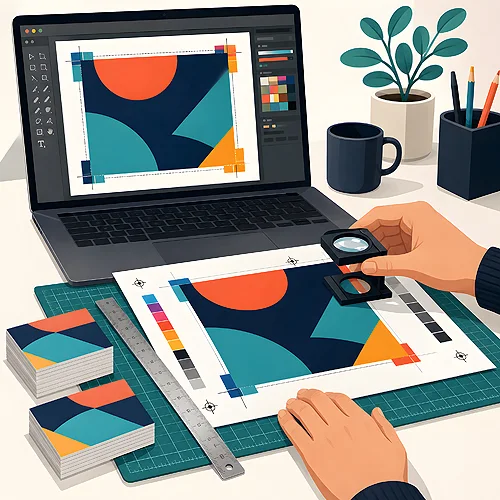
The vast majority of corrections before printing concern the same few things. The good news is that you can check all of them yourself, without specialist knowledge and without installing anything new.
What to check before you send a file
A short review is enough to avoid most surprises.
- Spare space at the edges - the background should run slightly past the outline and important wording should sit away from the border, because sheets can shift by a hair when they are trimmed.
- Photo quality - an image pulled off a website looks fine on screen but can come out blurred on paper, and enlarging it will not fix that.
- Colour - a screen gives off its own light while paper reflects it, so shades can differ slightly.
- Black over large areas - small black text and a large black background are prepared differently, so the big area does not come out grey and patchy.
- Typos and contact details - read the phone number and address out loud, ideally with somebody else looking.
A preview is not the print file
Design tools often simplify what they show on screen. Before sending anything, save the finished PDF, open it separately and look at it zoomed in - that is the closest you get to what the printer will see. Templates are a thread of their own: they are convenient, but it is easy to miss an element sitting outside the area or covering another line. Going through every page calmly takes a few minutes and can save the whole order.
If this is your first order, read the text on the difference between a preview and a production file, then the one on the usual slips in Canva. The rest is simply reading your own design with care.