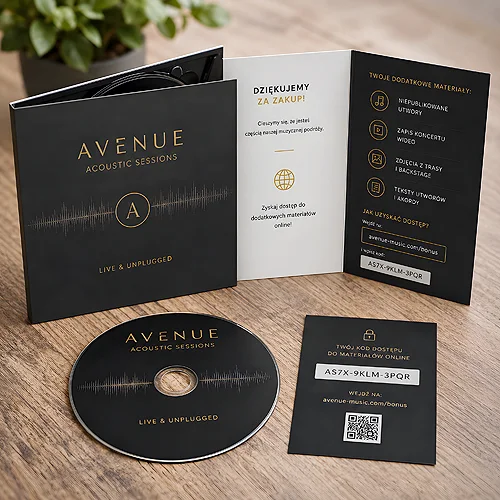
A QR code is convenient because nobody has to type an address. It works on an invitation, a leaflet, packaging and a branded item, as long as it leads somewhere prepared for a phone screen.
Where a code helps
- Invitations - an event page, directions and a reply form instead of notes squeezed onto the back.
- Leaflets and posters - a way through to details that will never fit on the sheet.
- Packaging - instructions, ingredients, a short film or a loyalty scheme.
- Branded items - when a small object only has room for a logo and one pointer.
The code plays a different part in each of these places, so the size differs too. On an invitation it can be discreet, because the reader goes through everything anyway, while on a poster it has to scan from a few steps away.
Placing it so it works
A code needs a calm background and clear space around it, otherwise phones struggle. Too small and it will not read from a distance, too large and it starts to dominate the design. A short line next to it, saying what is behind the code, usually helps - people like to know what to expect. Before sending the file, print a sample and try the code on two different phones.
What waits on the other side
The page opened from a code should suit a small screen and lead straight to the point. If the recipient lands on a home page and has to search, the whole idea falls apart. The texts in this tag show this on invitations, leaflet campaigns and branded items.