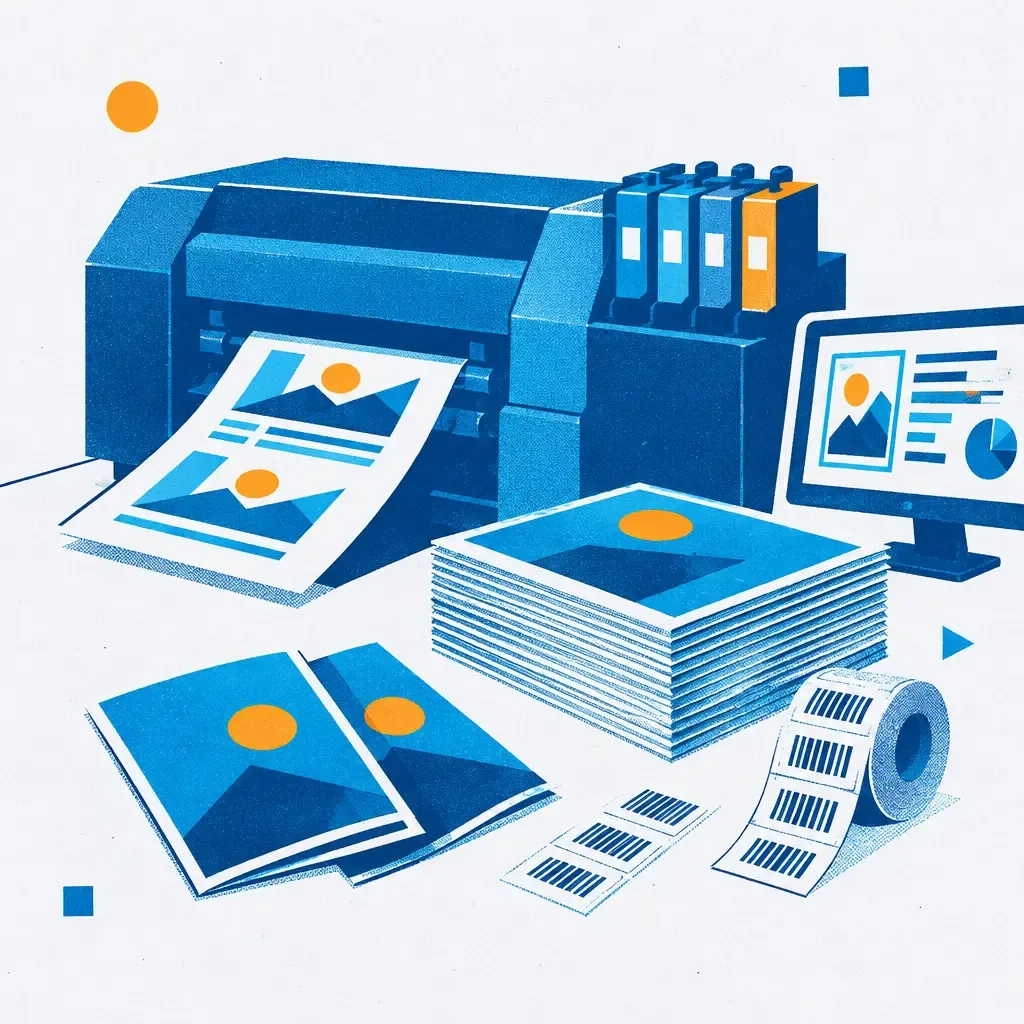
One project, hundreds of different prints, each with a different recipient's name, discount code, or invoice number. This is how variable data printing works in short, and that's why more and more companies inquire about it before ordering a standard mailing.
What is variable data printing (VDP) and how does it work in practice
Variable Data Printing (VDP) is a digital printing technology that allows you to change text, graphics, barcodes, or images on each copy within a single print run, automatically, based on data from a database. In simpler terms: instead of printing a thousand identical flyers, you print a thousand flyers, each with a different recipient name, a different discount code, or a different customer number.
The mechanism is simpler than it seems. A designer prepares a single graphic template with designated variable fields, i.e., places where text from the database fits in. The database is usually a file with a list of records: name, surname, address, order number, promotional code. The software links the template with the database and generates as many unique files as there are records. The digital printer prints them one after the other, without changing the printing form, because in digital printing there simply is no printing form.
It's worth noting that for transactional documents, such as invoices, statements or order confirmations, there is a dedicated standard for files: PDF/VT, published as the international standard ISO 16612-2 in 2010. This standard allows for the mass generation of documents with variable data in a predictable manner and compliant with accounting system requirements. If you plan to personalize invoices or confirmations, ask your software provider if they export files in this format, as it saves a lot of time during the preparation for printing. A full range of services related to digital printing and personalization can be found in the offer prepared for such projects.
- VDP is not a template with one field - each copy can have different text, codes, and even images.
- The database controls the entire process - the quality of the source file determines the quality of the personalization.
- PDF/VT is a standard for transactional documents - it facilitates the personalization of invoices and confirmations.
- Personalization works best in digital runs - for up to several hundred or several thousand copies.
Applications of personalization: mailings, coupons, invoices, and invitations
Personalization most often appears where direct contact with the recipient matters. Traditional mailing is a classic: a letter or card with the recipient's name and a tailored offer generates, according to toplogistic.pl (DMA Benchmarking Report), an average effectiveness of 4.9% response rate for new recipients and as much as 9% for customers who have already purchased something. In comparison, the average CTR for email campaigns, according to the same source, falls between 1% and 3%. The difference is significant and that is why paper mailing with personalization still holds its ground, even though everyone talks about digitization.
Discount coupons are the second popular example. Instead of one code for all customers, each receives their unique number, which allows precise measurement of campaign effectiveness while also reducing the risk that the coupon ends up in the wrong hands. Personalized invoices work similarly, which, in addition to accounting data, can contain a dedicated offer or a thank-you for loyalty, printed in the same process as the document itself.
Invitations are an area where personalization becomes particularly spectacular. A guest's name printed directly on the card, rather than handwritten, is standard for larger gatherings and corporate events. In the offer of foldable invitations with printing, data personalization is one of the available enhancement options, alongside glossy or velvet foil. If you are organizing a wedding and wondering at what stage of planning to incorporate the personalization of invitations, a good reference point is the timeline for ordering wedding invitations, as personalization requires a bit more time to prepare the guest list than standard printing. When planning events, it's also worthwhile to think about cohesive visual identification, such as custom posters announcing the event, which fit well with personalized invitations.
Preparing the database and graphic files for personalization
This is where the real work begins, as the idea for personalization is one thing, while properly preparing the materials is another. The process usually looks like this:
- You export the database to a CSV or Excel file, with clearly named columns (first name, last name, code, address).
- You check the character encoding, as Polish letters ą, ę, ś, ż tend to get corrupted with an incorrect file format.
- The designer prepares a graphic template with designated variable fields, in accordance with the number and names of columns from the database.
- You run a test on a sample of several records, before you run the entire print run.
- Only after approving the test print does the printer start full personalization.
When creating the template, the same rules apply as for a regular project: bleeds, appropriate resolution of graphics, fonts converted to outlines. The difference is that text fields must have extra space, as the name "Al" and the name "Konstantynopolitańczykowianowa" take up completely different space, and the project must withstand both cases without misaligning the layout. If you are unsure how to prepare a file for personalization, helpful would be the preparing files for printing as a starting point, and for more complex projects, it's worth using ready-made graphic designs prepared for a specific format and type of personalization.
Before sending the file for printing the full run, ask for a test print on several records with different text lengths. This is the fastest way to catch an error in the template before it becomes a problem in a thousand copies. A good practice is also a formal approval of files before printing, which is even more significant for personalization than for standard orders.
Common mistakes when connecting a database with the print project
Personalization tends to take revenge for oversights, as an error in one record can replicate across the entire print run. Here’s what most often ruins projects:
- Inconsistent data formatting in the database - one person entered names with uppercase letters, another with lowercase, resulting in some prints appearing sloppy.
- Lack of duplicate control - the same customer appears in the database twice with slightly different spellings of the address, generating unnecessary printing and shipping costs.
- Too narrow text field in the project - the template looks great for short names, but long surnames get cut off or overlap with neighboring elements.
- Forgotten check of Polish character encoding - ą, ę, ł turning into weird symbols, which usually gets discovered only on the test print.
- Combining multiple data sources without standardization - a fragment of the database from CRM, a fragment from a marketing sheet, different column names, different date formats.
- Skipping tests on edge cases - the shortest and longest records in the database should be checked separately before running the entire batch.
From the experience of printing houses, one thing stands out: most of these problems can be caught during the test print stage, as long as someone actually does it, and does not just check it off as a formality. The same applies to the classic stages of file preparation, where scoring and folding also need to be considered at the project stage, not just in production.
Cost-effectiveness of personalized printing: when does the investment pay off
Personalized mailing typically costs two to five times more than standard printing without variable data, as stated by laczymybiznes.pl. It sounds like an argument against personalization until you contrast it with the outcomes. Personalized materials achieve, according to the same source, three to five times higher response rates than standard versions. Additionally, about 90% of printed materials reaching the recipient are opened by them, while the open rate for emails is between 20% and 30%, according to data from sn2.eu. For a company planning its first campaign, this is a concrete hint: if you want the message to actually reach the recipient, paper still beats electronic inboxes.
When does personalization make sense? For print runs of up to several hundred or several thousand copies, as this is where digital printing dominates, which does not require costly preparation of forms and allows for individualization of each piece, as described by laczymybiznes.pl. If you plan a campaign for regular store customers, invitations to a corporate event, or invoices with a dedicated offer, personalization pays off quickly, as it hits precisely, not en masse.
When does it not pay off? When the database is small and unsegmented, as toplogistic.pl emphasizes, the quality and timeliness of the address database directly affect the cost and effectiveness of the campaign. Personalizing several dozen identical flyers without any content differentiation is simply increasing costs without real benefit. The digital printing market is growing, reaching a value of 34.34 billion dollars by 2025 according to Mordor Intelligence, with a growth forecast to 48.51 billion dollars by 2030, which shows that personalization is not a fleeting trend but a direction in which the entire industry is heading. As reported by dobrypersonel.pl, about 73% of marketers consider personalization a factor that significantly increases campaign effectiveness, while 40% of consumers admit that they prefer offers directed specifically to them. If you are planning your first campaign with variable data, start with a small, well-documented segment of the database, test the effectiveness, and only then scale up to the entire range of invitations or mailings.
Frequently Asked Questions
Can personalization be applied to invoices and accounting documents?
Yes, transactional documents like invoices or order confirmations can be personalized using the PDF/VT standard, published as ISO 16612-2. This allows variable data such as invoice numbers or buyer details to be generated automatically and in accordance with accounting system requirements.
Will personalized printing work for small runs?
Digital printing with personalization works best in runs of up to several hundred or several thousand copies, as it does not require preparation of printing forms. In the case of very small, unsegmented databases, personalization often does not yield proportional benefits compared to the costs incurred.
What data needs to be prepared to order personalized printing?
A file with the database in CSV or Excel format is needed, with clearly named columns that correspond to the variable fields in the project, and a graphic template prepared for those fields. It’s worth checking the correctness of Polish character encoding beforehand to avoid errors on the print. If in doubt about the file formats, the FAQ section with answers to frequently asked questions regarding the preparation of materials for printing can be helpful.
Variable data printing is not a technology reserved for large corporations with IT departments. It is a tool that, with a well-prepared database and a bit of patience during the testing phase, can transform a standard mailing into a message that truly reaches a specific person, not an anonymous "Dear Customer."